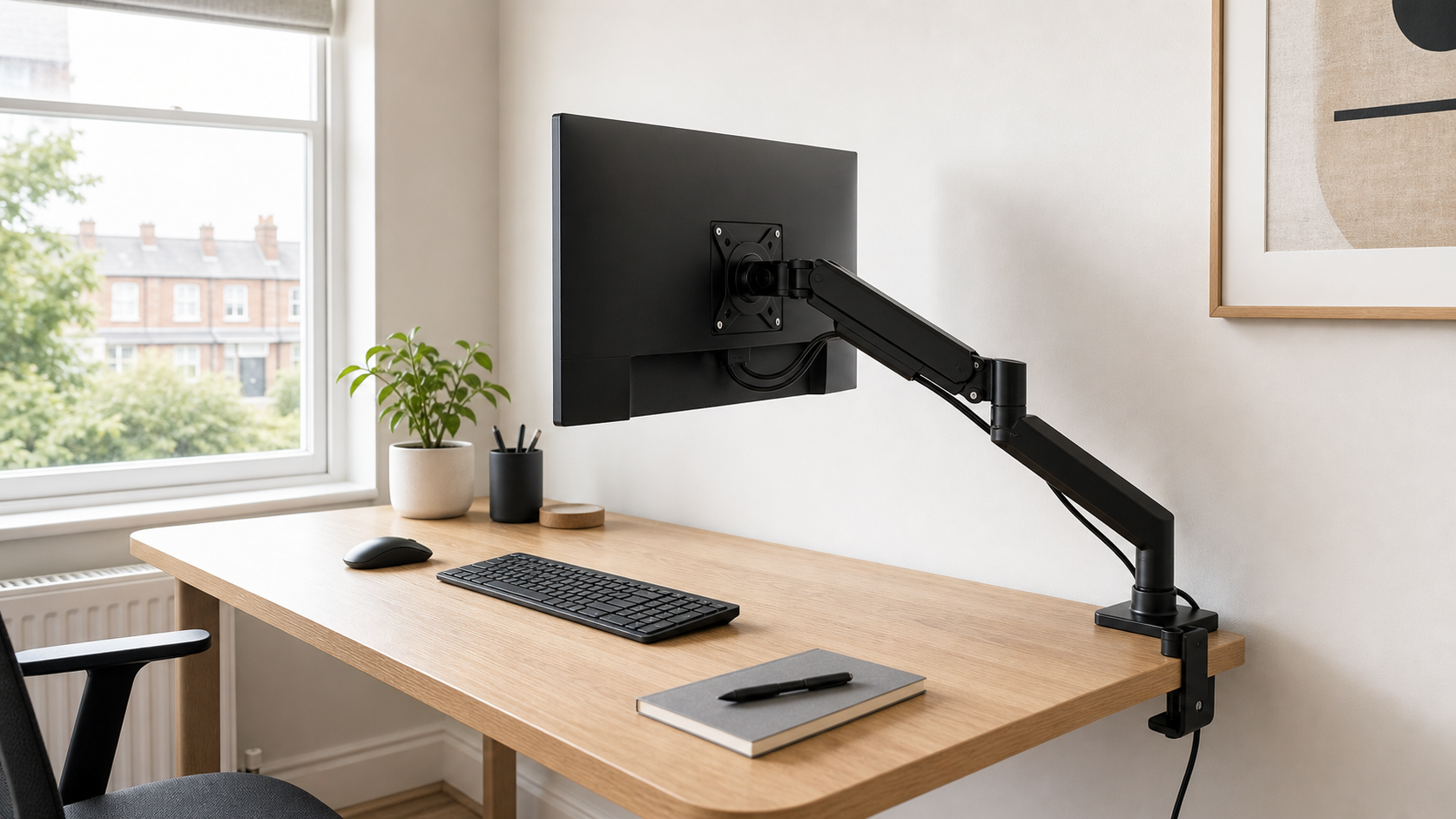
Monitor Arms Under £60 UK: Stable Picks for Small Desks
Affiliate disclosure: This article may contain affiliate links. If you buy through them, we may earn a commission at no extra cost to you.
Prices and availability checked: 12 May 2026. Prices can change quickly, so check the retailer page before buying.
A budget monitor arm can make a small desk feel cleaner, but only if the arm suits the screen, desktop and wall clearance you actually have. For this monitor arm under 60 uk guide, compatibility matters more than neat product photos or the biggest claimed screen size.
For most small UK desks, a single arm for one 24-27 inch monitor is the safest budget choice. Dual arms can work under £60, but they put more load on the desk edge and are less forgiving if your monitors are heavy or your desktop is thin.
If your desk also moves up and down, pair this guide with our standing desk guide. For the cable slack and tidy routing behind the arm, the next support piece is our cable management kit guide.
TL;DR: For most small desks, choose a single VESA 75/100 arm with a clear weight range, a clamp that suits your desktop, and enough space behind the desk for adjustment.
- Small desk, one monitor: choose a single arm with VESA 75/100 and an 8 kg or higher rating.
- Heavier 27-32 inch monitor: choose the strongest single arm you can verify, not the cheapest dual arm.
- Budget fixed setup: a simpler mechanical arm can be steadier than a very cheap gas-spring arm.
- Dual monitors: use a dual arm only with light screens and a solid desk edge.
- Standing desk: leave extra cable slack at the highest desk position.
Best place to start: choose the ProperAV single arm for the lowest-cost one-monitor setup, the Kensington SmartFit arm if you want a stronger single-arm pick, or the ProperAV dual arm only if both screens are light and the desk edge is solid.
Monitor Arm Under 60 UK: Quick Picks Compared
| Pick | Best for | Approx price | Key checks |
|---|---|---|---|
| ProperAV Full Motion Single Arm | Lowest-cost single monitor setup | £30 | VESA 75/100, up to 32 inch, up to 9 kg |
| Kensington SmartFit One-Touch Arm | Stronger single-arm budget pick | £54 | VESA 75/100, up to 32 inch, up to 9 kg |
| Leitz Ergo Single Monitor Arm | Neater home-office setup | £59.99 | VESA 75/100, up to 32 inch, clamp/grommet fitting |
| ProperAV Full Motion Dual Arm | Two light monitors on a tight budget | £34.99 | VESA 75/100, desk strength matters |
Quick Fit Checklist Before You Buy
Before choosing a monitor arm, check four measurements: the VESA holes on the back of the monitor, the screen weight without its stand, the desk thickness at the rear edge, and the space behind the desk. If any of those are unclear, pause before buying; under-£60 arms can be good value, but they are not very forgiving when the fit is wrong.
Also check what sits under the desktop. A cable tray, rear modesty panel, drawer frame or metal support bar can block the clamp even when the top of the desk looks suitable. If the desk is pushed hard against a wall, allow extra room for the arm joints and cables before assuming the screen will tuck neatly back.
What to Look For
Check VESA first. Most budget monitor arms support 75×75 mm and 100×100 mm VESA mounting, but your monitor must have matching screw holes on the back. Some slim or curved screens need an adapter, and some very cheap monitors have no VESA mount at all.
Next, check the monitor weight without its stand. Retailer pages usually quote the arm’s maximum load, but your screen’s weight may be listed separately by the monitor brand. Do not guess. A monitor near the top of the arm’s limit can sag, drift down, or feel bouncy when you type.
Finally, check the desk. Clamp arms need a strong rear edge and enough clearance for the clamp plate underneath. Thin chipboard, curved rear edges, glass tops and desks pushed hard against the wall can all cause problems. If your desk has a cable tray, measure before buying.
Skip a Monitor Arm If…
Skip a clamp-on monitor arm if your desk has a glass top, weak hollow-core desktop, badly chipped rear edge or no flat underside for the clamp plate. A monitor stand or riser is usually the calmer choice if the desk itself is the weak link.
You should also pause if your monitor has no VESA mount, uses an awkward curved-screen adapter, sits close to the arm’s maximum weight, or needs to stay hard against the wall. In those cases, the “space-saving” upgrade can become a wobble, sagging or clearance problem.
Best Budget Options in the UK
ProperAV Full Motion Single Monitor Arm
The ProperAV Full Motion Desk Mount Single Monitor Arm is the cheapest useful pick in this batch. Argos listed it at £30 when checked, with support for VESA 75×75 and 100×100, cable management, monitors up to 32 inches and a maximum load of 9 kg.
Best for: a low-cost one-monitor setup where the screen is not especially heavy and you mainly want to reclaim desk space. Skip it if: you plan to move the screen many times a day, or if your monitor is close to the stated weight limit.
Pros: low price, clear VESA support and enough rating for many 24-27 inch home-office monitors. Cons: budget arms are rarely as smooth as premium gas arms, so it is best for people who set the screen once rather than constantly moving it.
Kensington SmartFit One-Touch Monitor Arm
The Kensington SmartFit One-Touch Monitor Arm is the stronger under-£60 pick if you want more headroom. Argos listed it at £54 when checked, with VESA 75/100 support, up to 9 kg capacity and support for monitors up to 32 inches.
Best for: someone who wants a branded single-arm option and is happy spending more to avoid the cheapest end of the market. Skip it if: your monitor is light and rarely adjusted; the cheaper ProperAV single arm may be enough.
Pros: better stated capacity than many budget arms and a recognisable office-accessory brand. Cons: still check desk thickness and monitor weight carefully; a 32 inch monitor can vary a lot in weight.
Leitz Ergo Single Monitor Arm
The Leitz Ergo Single Monitor Arm is a neat option for a more polished desk. Currys listed it at £59.99 when checked, with VESA 75/100 support, clamp or grommet fitting, and height, tilt and swivel adjustment for screens up to 32 inches.
Best for: a tidy home-office setup where the arm will be visible and you want clamp or grommet fitting options. Skip it if: the budget is tight and you only need a basic single-monitor lift.
Pros: tidy design and a good fit for compact home offices. Cons: it is closer to the top of the budget, and larger monitors may need a higher-rated arm.
ProperAV Full Motion Dual Monitor Arm
The ProperAV Full Motion Dual Monitor Arm is the budget dual option, but it needs the most caution. A dual arm can make a small desk feel much bigger, yet two screens create more leverage on the clamp and more wobble through the desktop.
Best for: two matching, light monitors on a sturdy desk with a flat rear edge and enough wall clearance. Skip it if: either screen is heavy, the desk edge flexes, or you would be better served by one main monitor plus a laptop stand.
Pros: low-cost route to two raised monitors and useful for matching screens. Cons: avoid it for heavy monitors, weak desks, glass tops or setups where you constantly pull screens forward.
Installation & Setup Tips
Before fitting the arm, clear the rear of the desk and decide where the screen should sit. The centre of the monitor should line up with your normal seating position, not with the edge of the desk. If you use a chair with arms, check that the clamp does not block your chair or cable tray.
Tighten the clamp firmly, but do not crush a thin desktop. If the desk edge is weak, use a reinforcement plate or choose a monitor stand instead. Once the monitor is mounted, support it with one hand while adjusting tension so the screen does not drop suddenly.
Set the top of the screen around eye level or slightly below, then adjust based on comfort. The HSE display screen equipment guidance is a useful reminder to review the whole workstation, including chair, keyboard, mouse and screen position, not just the arm.
Common Compatibility Mistakes
The first mistake is buying for screen size alone. Weight matters more than inches. A light 27 inch monitor may be fine on a budget arm, while a heavier 32 inch screen may need a more robust option even if the arm claims to support that size.
The second mistake is ignoring wall clearance. Many arms need space behind the desk when pulled back. If your desk sits against a wall, you may have to bring it forward slightly or choose a simpler pole-style arm with less rear movement.
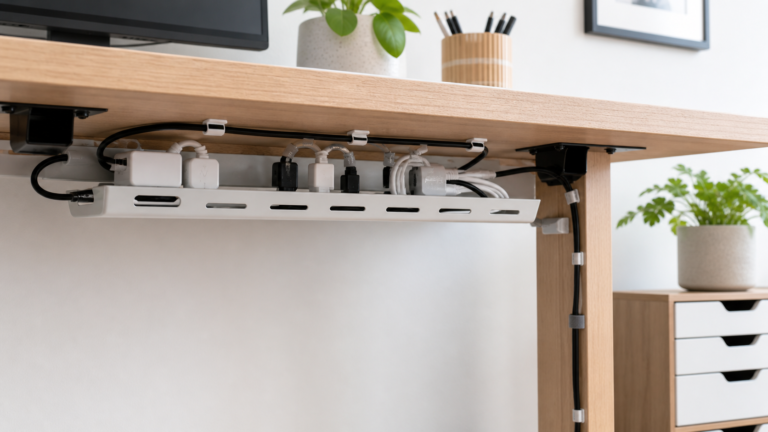
The third mistake is forgetting cable slack. Run power and display cables along the arm, but leave enough slack for height and angle changes. A cable pulled tight can loosen the monitor connection or tug on a laptop dock.
Where to Buy in the UK
Argos is useful for budget monitor arms because collection is quick and product pages often show VESA, screen size and weight limits clearly. Currys is worth checking for branded home-office arms, especially Leitz and Kensington-style options.
Amazon UK has many BONTEC, Invision and Duronic-style listings, but read them carefully. Look for exact VESA support, load range, desk thickness, fitting method and recent reviews mentioning sag or wobble. Avoid listings that make big ergonomic claims without clear specifications.
Wrap-Up
A good monitor arm under 60 uk should give you desk space back without making the screen unstable. Choose a single arm for most setups, verify VESA and weight before buying, and treat dual arms as a careful compatibility decision rather than an automatic upgrade.
FAQs
Do all monitors fit monitor arms?
No. The monitor needs a compatible VESA mount, usually 75×75 mm or 100×100 mm, and it must sit within the arm’s weight range.
Are cheap monitor arms stable?
They can be stable with a light monitor and solid desk, but budget arms are less forgiving. Check weight, clamp fit and desk strength before buying.
Is a dual monitor arm worth it under £60?
Only for two light monitors on a sturdy desk. For heavier screens, two separate single arms or a higher-quality dual arm may be safer.
Can I use a monitor arm on a standing desk?
Yes, but check clamp clearance and leave enough cable slack for the desk at full height. Wobble may be more noticeable on lighter standing desks.
Thank you for reading this post. Don’t forget to subscribe!