Desk Converter vs Standing Desk UK: Which to Choose?
Guidance checked: 3 June 2026. This article compares setup choices for UK home offices and does not make medical claims.
Desk converter vs standing desk UK decisions usually come down to space, stability and commitment. A converter is cheaper and easier to try, but a full sit-stand desk is usually cleaner if you want the whole workstation to move properly.
The wrong choice can make a small room worse. A converter can crowd a shallow desk, while a full standing desk can dominate a bedroom if the frame is too large. Start with the desk you already have, the space around it and how often you realistically plan to change position.
TL;DR: Choose a desk converter if your current desk is stable and deep enough; choose a standing desk if you want a cleaner long-term setup with better surface space and cable routing.
- Lowest commitment: desk converter on a solid existing desk.
- Best long-term setup: full sit-stand desk with the whole surface moving.
- Small bedroom: compact standing desk or fixed compact desk may beat a bulky converter.
- Monitor-heavy setup: full desk or monitor arm plan usually works better.
- Renter: converter is easier to remove, but cable management still matters.
Desk Converter vs Standing Desk UK: The Short Answer
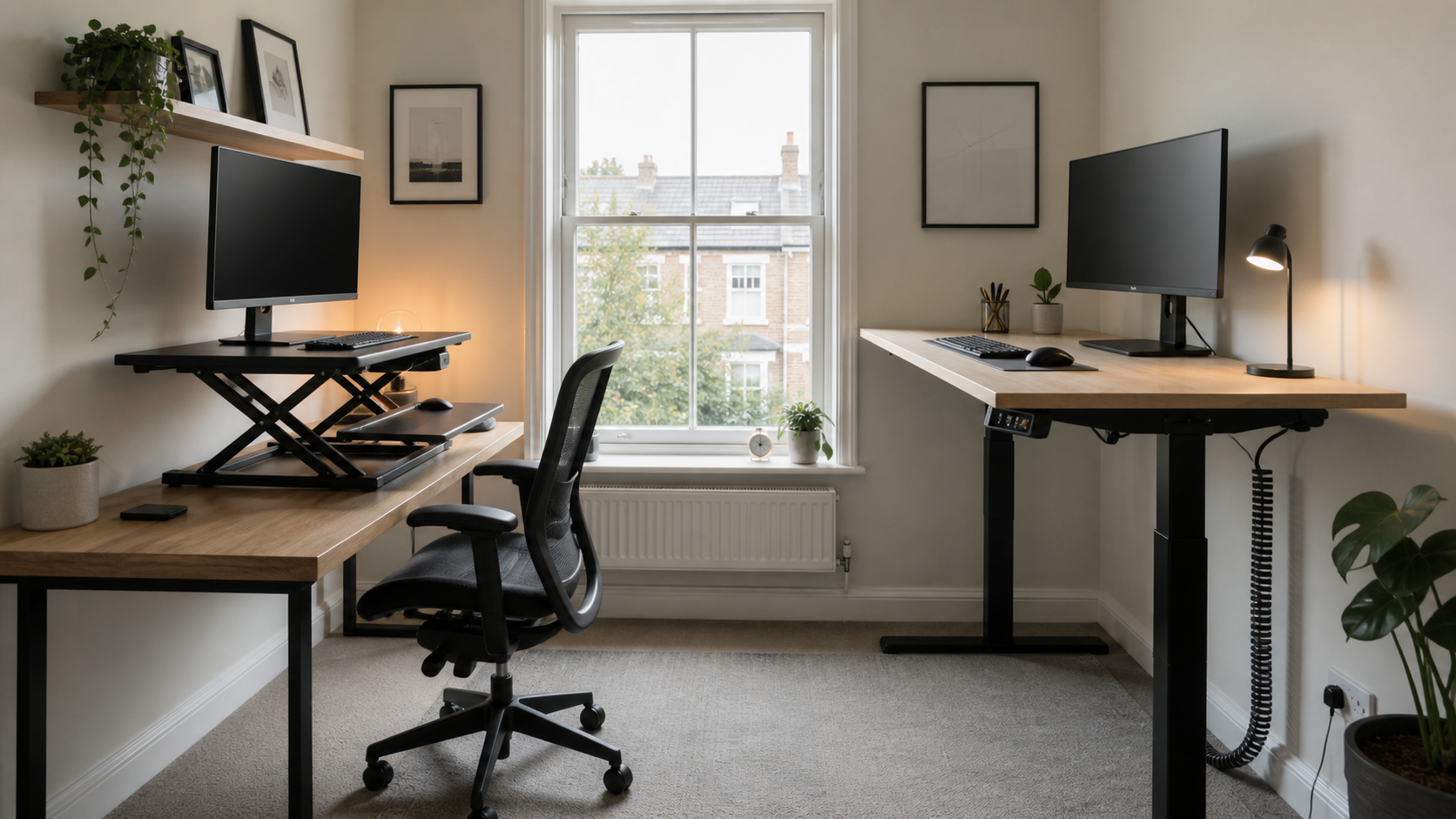
A desk converter is the safer first experiment if you already own a solid desk and are unsure whether standing work will stick. It sits on top of the existing surface, raises the laptop or monitor, and avoids replacing furniture before you know your habits.
A standing desk is the better long-term choice if you want the keyboard, mouse, monitor, lamp and cables to move together. It usually looks cleaner, gives more usable surface space and avoids the stacked feeling that converters can create.
If budget is the deciding factor, start with our standing desk under £200 guide. If room size is the real constraint, compare the options in our compact desk guide before buying either.
When a Desk Converter Makes Sense
A converter makes sense when your existing desk is sturdy, deep enough and already fits the room. It is also useful if you rent, share a room, or need a setup you can remove without changing the furniture.
The desk underneath matters more than the converter listing. A shallow console-style desk may not leave enough room for a keyboard, mouse and screen once the converter is added. A wobbly desk will also feel worse when extra weight sits higher above the surface.
Converters are strongest for laptop-first work, occasional standing and lower-commitment trials. They are weaker when you want a polished dual-monitor setup, lots of writing space or a clear desktop at the end of the day.
When a Standing Desk Is Better
A standing desk is better when you want the whole workstation to move as one unit. The keyboard, mouse, monitor and cable route stay together, which makes the setup easier to repeat every day.
It is also cleaner visually. Instead of a platform sitting on top of another desk, the surface stays simple. That matters in bedrooms and living rooms where the desk is always visible.
The trade-off is commitment. A standing desk costs more, takes more assembly, and may not suit a room where the desk needs to disappear after work. Measure the floor space, door swing, chair clearance and nearby sockets before deciding.
Fit Checks Before You Buy
Check depth first. A converter needs enough space for the raised platform and comfortable keyboard/mouse use. A standing desk needs enough depth for screen distance, especially if you use a monitor rather than only a laptop. The HSE display screen equipment guidance is a useful baseline for thinking about workstation assessment rather than buying by product photo alone.
Check stability next. If your existing desk shakes when you type, a converter will not magically fix it. If a standing desk has a very small frame or low load rating, it may not suit a heavy monitor arm or desktop equipment.
Finally, check cable movement. Sit-stand setups need slack so cables do not pull at full height. Use the cable management kit guide before adding monitor arms, docks or under-desk trays.
Which Is Better for Small Rooms?
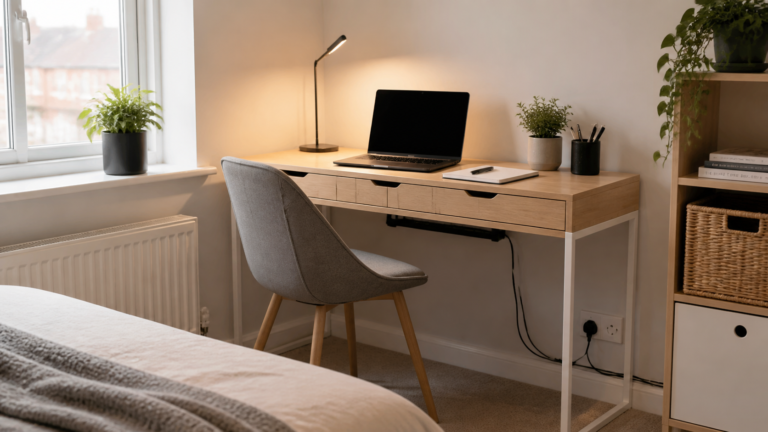
Small rooms do not automatically favour converters. A converter can make a compact desk feel crowded because it uses the surface you already lacked. It can also look bulky in a bedroom where the desk is close to the bed or wardrobe.
A compact standing desk can work better if it gives you a clean 90-120 cm surface and enough depth. A fixed compact desk may be better still if you only stand occasionally and mainly need the room to feel calm.
For tiny bedrooms, think in setup paths rather than product types: surface size, chair clearance, cable route, lighting, then standing option. The product that preserves those basics is the better choice.
Monitor Arms, Laptops and Cable Routing
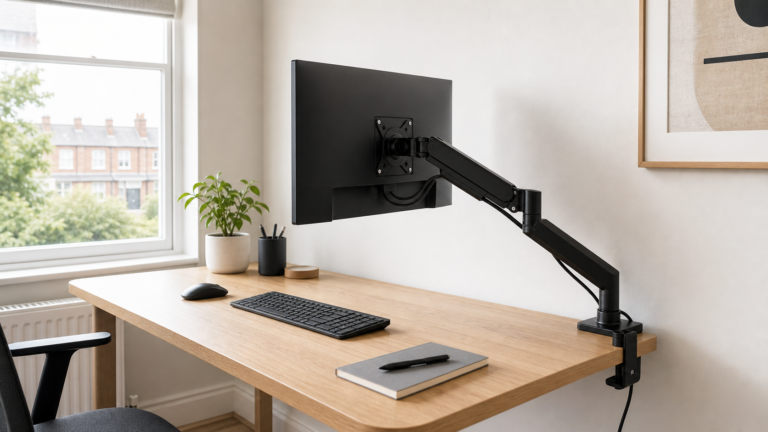
A converter can work well with a laptop stand or a single light monitor, but monitor arms need more care. Extra leverage on a raised platform can make wobble more obvious. Always check weight limits and clamp positions before combining parts.
A standing desk often handles a monitor arm more neatly because the clamp attaches to the main desktop and moves with it. Our monitor arms guide covers VESA fit, clamp depth and desk-edge checks.
Cables are the hidden difference. With a converter, some cables move and some do not. With a standing desk, the whole cable plan should be built around the highest height. Either way, leave safe slack and avoid trailing leads across walkways.
Wrap-Up
Choose the option that solves your actual constraint. A desk converter is a good test if the desk underneath is already solid. A standing desk is better if you want a cleaner, repeatable, long-term sit-stand setup.
Q: Is a desk converter cheaper than a standing desk?
A: Usually, yes. A converter lets you keep your current desk, but it may feel cramped if the existing surface is shallow or unstable.
Q: Is a standing desk better than a converter?
A: It is usually better for a long-term setup because the whole surface moves together, but it costs more and takes more room.
Q: Can I use a monitor arm with a desk converter?
A: Sometimes, but check weight limits, clamp fit and wobble carefully. A full standing desk is often cleaner for monitor-arm setups.
Thank you for reading this post. Don’t forget to subscribe!